⚡ SOUTHAMPTON SHOW COMING SOON // GET THE VAULT NOW TO HEAR THE TUNES & GET PRIORITY PRE-SALE ACCESS WHEN TICKETS DROP ⚡

401 Tracks of Relentless Genre-Hopping Mayhem
1st listen: 🤢 "What is this?" | 2nd listen: 🤔 "Wait..." | 3rd listen: 🤯 "Oh sh*t"
Spoken-word post-punk, geek-grime, and bitter-sweet UK monologues. Not on Spotify.
Written, produced, and screamed into a cheap mic in the back of a battered van parked in questionable car parks across the UK.
Sample The Vault
01. Sara Tonine
this is history
02. Shut Your Mum
when booze wins
03. Peeky Hole
beware, hidden cam
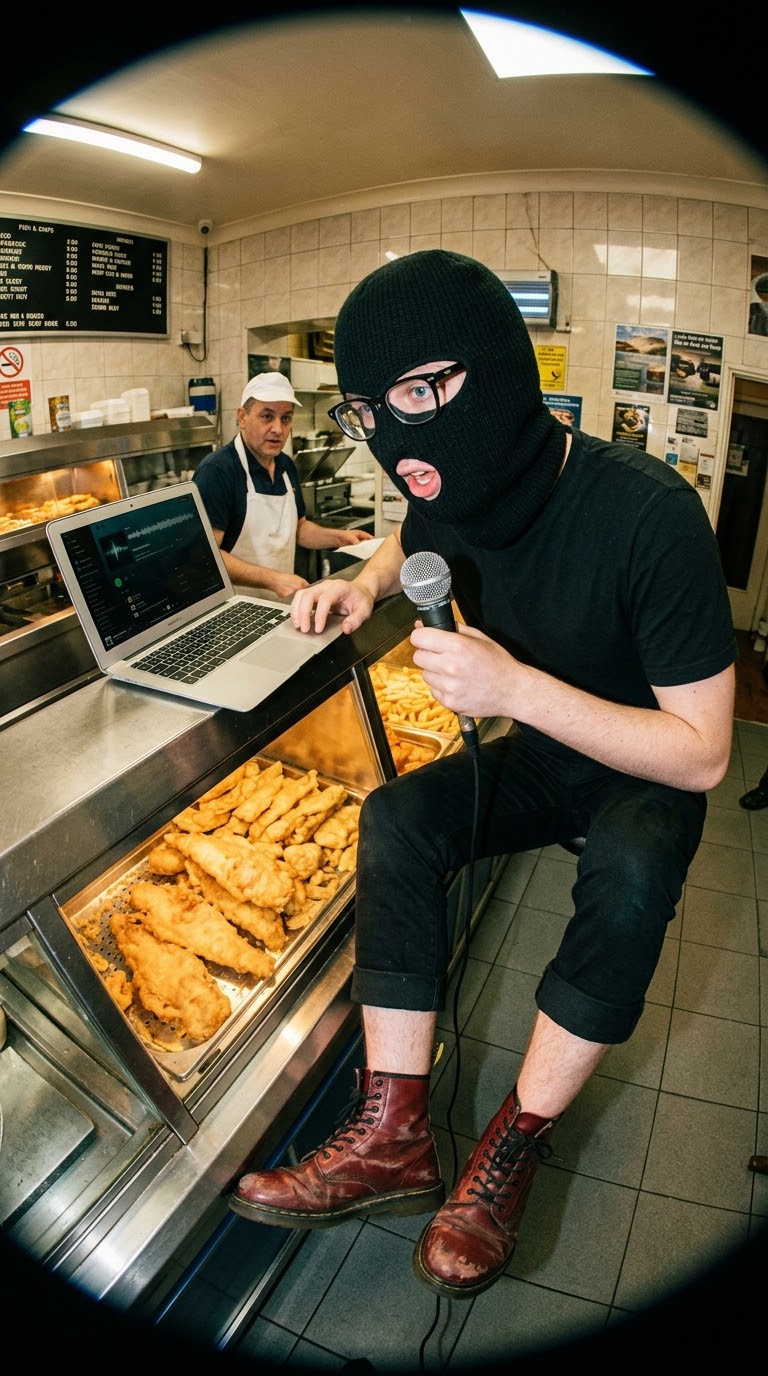
📹 Inside The Van (Real Human, Real Feed)
⚠️ Warning: How Will Your Ears Be Abused?
- • Heavy electronic loops, distorted synths, and zero please and thank you.
- • Neurotic, hyper-specific UK monologues about everyday corporate misery.
- • Raw vocals tracked under a damp duvet for warmth, recorded between emergency trips into the woods.
- • 401 unreleased archive tracks & raw acoustic desperation straight to your device.
🎁 Free Welcome Bonus: "The Time Machine"
Locking in your vault access today instantly unlocks 2 prototype albums outside the vault. Enter a parallel musical universe before van life setup took over.
401 Songs (20+ Hours) • Yours for life.
No monthly subscriptions, no ads, no corporate algorithms.
💬 Frequently Asked Questions
🔒 Instant Access • 30-Day Money-Back Guarantee